
Polk County Case Lookup Attorney Search
Sometimes you know the lawyer but not the party or the case number. That is exactly what the Attorney Search mode in MCRO is built for. Type the attorney's name or a Minnesota license number into the form. Set the court location to Polk. That way the results lean toward the local docket instead of flooding you with statewide matches. Even then, compare the county, category, and filing details on each hit. Only then call it the right case.
One caution. An attorney role listed in MCRO is a single case-detail field. It is not a full representation history. For anything current and case-specific, the court record or an attorney notice is the better source.
Polk County Case Lookup Citation Numbers
Traffic cases get their own route. Alongside the court-file number search, MCRO offers a Citation Number mode for these matters. Do not confuse the two numbers. A Minnesota case number is built from the county code, category letters, the filing year, and a sequence number. A citation number is usually a 12-digit number. It is printed near the top or barcode of the ticket itself. Never try to construct a court number from a citation that is not available.
Patience helps too. A citation can sit unprocessed for a while after the court receives it. If no public result comes back, confirm the citation or case number with the court. Do not read the empty search as a decision on the matter. MCRO stays the correct Polk search route. Court Administration or the courthouse terminal serves as backup when a public record does not surface online.
Polk County Case Lookup Search Limits
MCRO has firm public terms. Bots and data mining are prohibited. The service also promises no bulk download, universal export, or complete public index. On a phone, the result table can sprawl. A complete case number or a tight county filter usually beats a wide net. A desktop screen also makes it easier to compare the register against the documents that are available.
Think of MCRO as an unofficial public-access layer sitting on top of the court's case-management system. It is a good way to locate a public court record. Certified copies and fuller access still come from the court. Once a case is identified, the Polk County court record search process covers how to get a court-held document.
Polk County Case Lookup Search Modes
Minnesota Court Records Online, known as MCRO, is the statewide public layer for Polk County District Court. Case Search offers Name, Case Number, Citation Number, and Attorney modes. Separate Document, Hearing, and Judgment Search tools serve different parts of a court matter. MCRO is not Minnesota eFile and eServe, which is a filing and service system.
The official MCRO overview shows the separate public search functions.
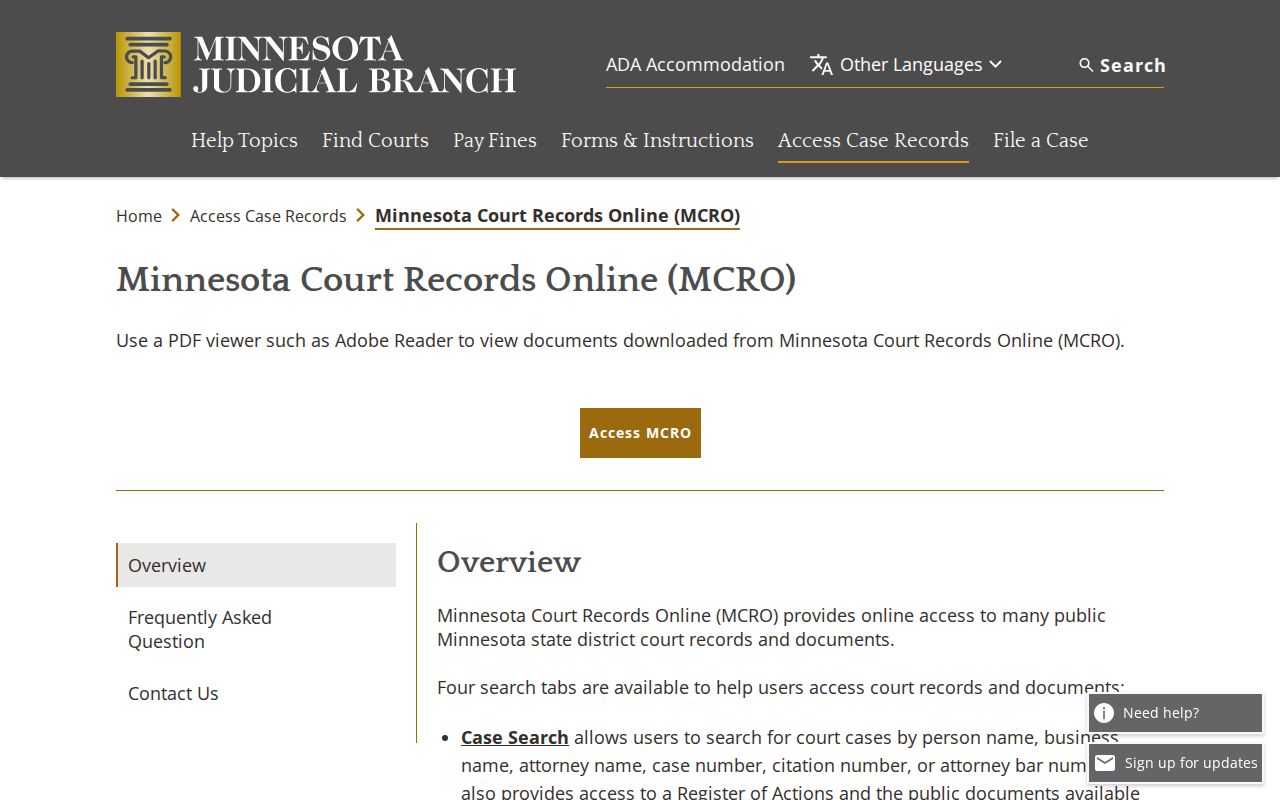
Put each tool where it fits. Case Search finds a case, Document Search pulls papers tied to a known number, Hearing Search lists public settings, and Judgment Search covers docketed money judgments.
How to Search Cases by Name
No case number? Name search is the fallback. Pick Person or Business first. For a person, MCRO requires the last and first name, allows an optional middle name, and offers a Sounds Like option. When the venue is known, set Court Location to County and select Polk. A statewide name sweep, on the other hand, can drag in records that have nothing to do with your case.
- Open MCRO Case Search, accept its terms, and select Name.
- Choose Person or Business. For a person, enter the required last and first name, then add middle name only if known.
- Set location to County and select Polk from the county list. Add a category, status, filed-date, or birth-date filter only when supported.
- Use either Sounds Like or a trailing wildcard after at least two characters. Do not combine them.
- Compare the public county, category, filing date, and case number before opening Case Details/Register of Actions.
| Field label | Type | Required | Format or choices |
|---|---|---|---|
| Name type | Choice | Yes | Person or Business |
| Last and first name | Text | Yes for Person | Sounds Like available |
| Middle name | Text | No | Use only when known |
| Date of Birth | Date or range | No | Exact or From/To |
| Date Filed | Date or range | No | Exact or From/To |
| Location | Choice and list | No | Statewide or County, then select Polk |
Polk County Case Lookup Filters
Two separate controls govern location in MCRO. Select County, then pick Polk from the list under P. Do not type a city name as a court location. Case Category filters cover Civil, Criminal, Family, and Probate or Mental Health. Status can be All, Active, or Inactive. All of this narrows a public search without changing any record's access classification.
Common names benefit from a filed-date range. Where the form accepts it, a date-of-birth range refines things further. Read the public role labels and case details closely. Never treat a similar name alone as proof of identity.
How to Search by Case Number
The Case Number search demands a complete number. Give it a partial one and it returns an error. You may omit dashes and leading zeros, but do not use spaces. Polk public appellate formatting uses the county prefix 60. After that come a case category, a two-digit filing year, and a sequence number.
A criminal-format example is 60-CR-22-609; a civil-format example is 60-CV-23-1233. Both explain format only and match no private person's file. A full number remains the cleanest way to pull the intended Polk record from a crowd of similar-name results.
Polk County Case Lookup Documents
MCRO Document Search is deliberately narrow. Enter a known case number, then choose Find Documents. It is not a person-name discovery tool. Whether a document appears depends on the case category, filing date, public status, and remote-access rule.
The official Document Search view reflects its case-number design.
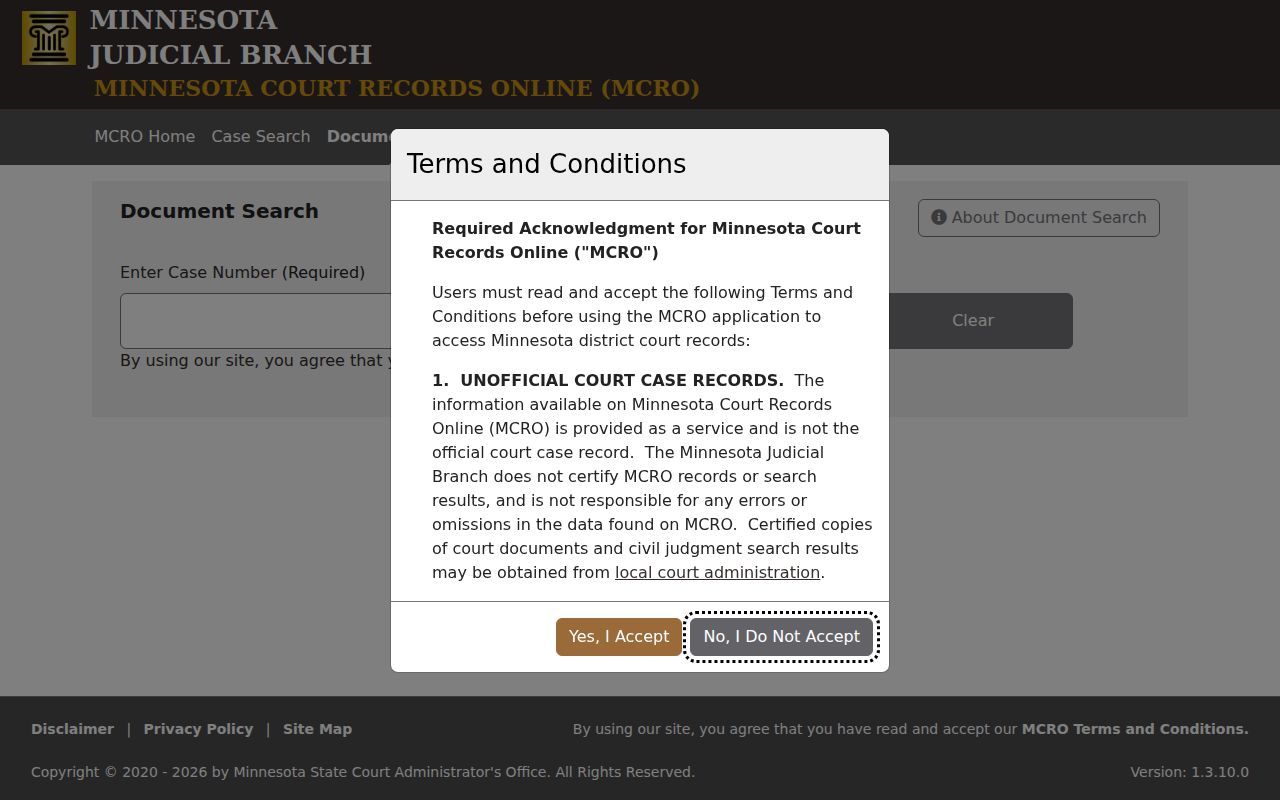
When a document is not online, the courthouse public terminal or a Court Administration request is the proper next channel for the Polk docket file.
What a Case Search Shows
Open a Case Details/Register of Actions result and you get a wide picture of the file. The court and county appear first. Then come the case number, filing date, and category. Party roles, attorneys, and a chronological register of entries follow. Hearing settings and a document index come too. Depending on the case, the display may also carry a disposition, financial information or a judgment, and an appeal reference. Just don't expect every field or document to be viewable from home. The public screen keeps some things back.
| Case number | The local court-file identifier, including a Polk-format prefix in state cases. |
|---|---|
| Register entries | Chronological filings, events, orders, and index references. |
| Hearing settings | Public date, time, type, assignment, or location where displayed. |
| Disposition or judgment | A recorded case result where public; a category or charge is not a result. |
| Documents | Eligible public documents linked through the separate document function. |
Open the full event text and read any order linked to it. A filing, hearing, charge, case status, or category only records that something happened in the court docket, not that a final outcome was reached.
Polk County Case Lookup Hearing Search
Use Hearing Search when the immediate question is the next public setting. It supports Name, Case Number, Judicial Officer, and Attorney tabs, hearing-date exact or range fields, categories, and Statewide or County location controls. Its search behavior follows the same wildcard and Sounds Like limits.
The official Hearing Search screen demonstrates that a hearing inquiry is a separate public search, not a substitute for reading the register.
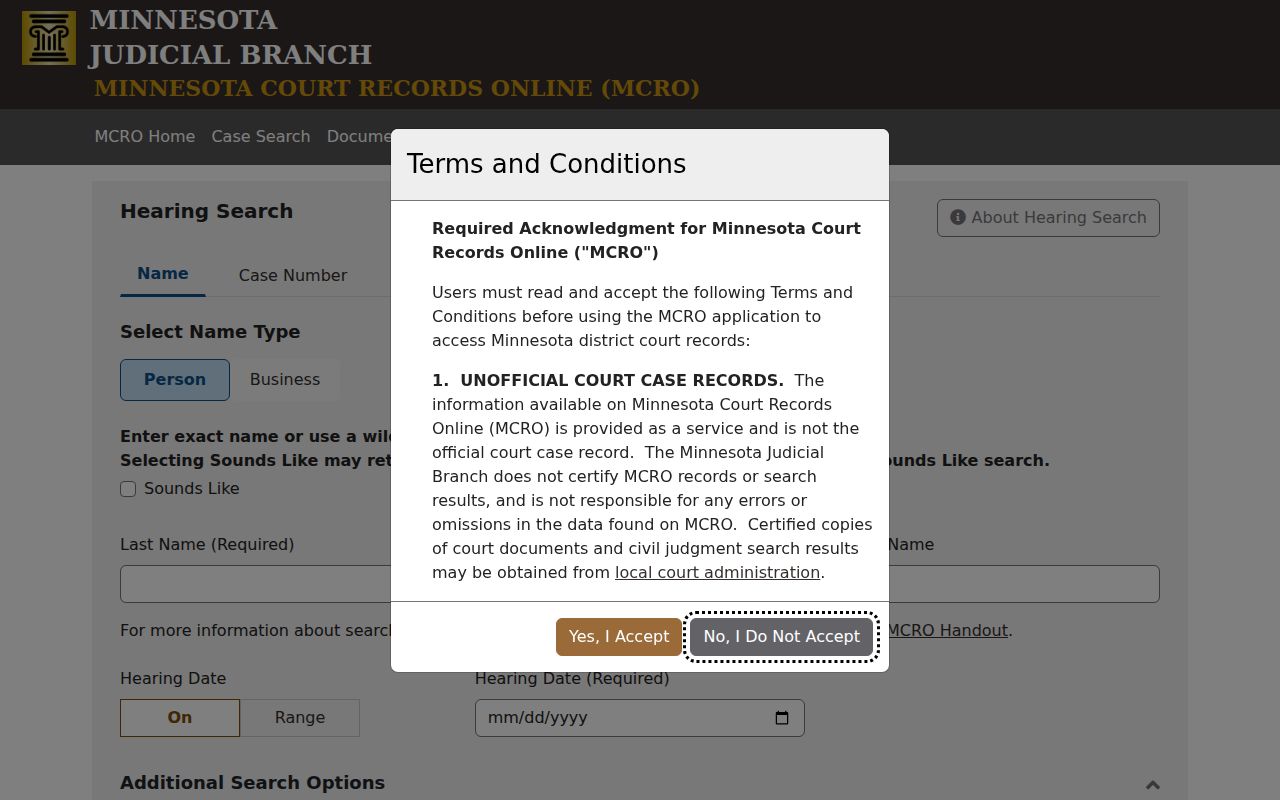
For an upcoming Polk County event, check the result against the weekly public calendar and the newest register entry before relying on it.
County vs Statewide Case Search
MCRO handles statewide and county-specific case lookup alike. Statewide searching helps when you do not know which court holds the file. The Polk County filter works better once a Polk District Court case is expected. Neither route substitutes for a certified copy or the courthouse access Court Administration provides.
| Search route | Best use | Important limit |
|---|---|---|
| MCRO statewide | Venue is uncertain or more than one county may be involved. | Broad results need county and case-detail verification. |
| MCRO with Polk filter | The expected filing court is Polk County District Court. | Remote rules can still hide or limit records. |
| Courthouse terminal or Court Administration | Older, restricted, certified, or incomplete online records. | Access remains subject to sealing and confidentiality rules. |
Polk County Case Lookup Judgment Search
Judgment Search does one narrow job for Polk County case lookup. You can search by debtor, whether a person or a business. From there, narrow the results with a docketed-date range, a status filter, and a statewide or county-level location choice. The tool covers docketed money judgments and any satisfaction details on file. Keep its limits in mind. It is not a full civil docket search. So it cannot settle questions that reach beyond the public court record.
The official Judgment Search screen spells out that narrow purpose plainly.
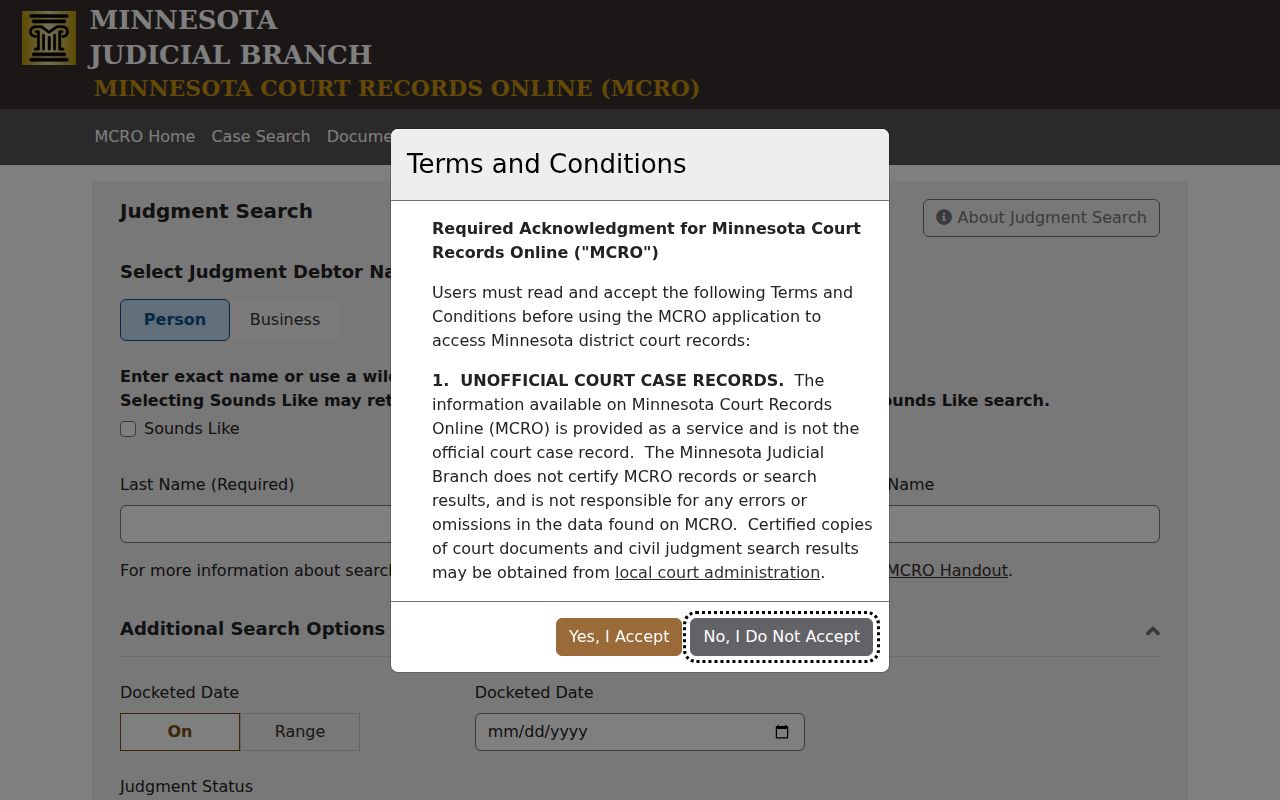
Need the whole civil register instead? Go back to Case Search. Enter the correct Polk case number when you have it, and the broader docket will come up.
Polk County Case Lookup Terminal Backup
MCRO is handy, yet it is not the whole court file. According to the official access page, every district courthouse offers public terminals. Paper files stored locally can be requested right at the counter. For Polk Court Administration, the address is 816 Marin Avenue, Suite 210, Crookston, MN 56716. The published phone number is 218-281-2332.
Remember that a terminal is a public-access option. It is not a loophole around restrictions. Confidential, sealed, juvenile, or otherwise limited court records stay protected under the governing access rules. That holds no matter which terminal you use.
Restricted Cases and Access Rules
MCRO records are unofficial. What you can reach from home is narrower than what a courthouse terminal shows. Domestic-abuse and harassment protection records, CHIPS matters, certain delinquency records, civil-commitment material, and sealed or otherwise protected files may never appear remotely.
A criminal or traffic case still pending, with no conviction, can also drop out of a defendant-name Case or Hearing Search. Pull it by case number and the same court docket may still come back.
MCRO access guidance prohibits automated collection and data mining. And when a result comes up empty, that can stem from an access rule, an incomplete search, or the record's own history. It proves nothing about the person or the case.
Polk County Case Lookup Result Checks
A public Polk County case lookup result deserves a second look before you trust it. Match the case number, county, category, filing date, party role, and status against what you already know. People with similar names show up in the docket all the time. Reading the newest register event helps too. Since it lets you tell a hearing setting apart from a final disposition. Those small habits prevent most mix-ups in a Polk County court docket search. When you need an authenticated copy, go to Court Administration. Do not treat the online entry as the official record.